Walmart Product Image Requirements
The Short Answer
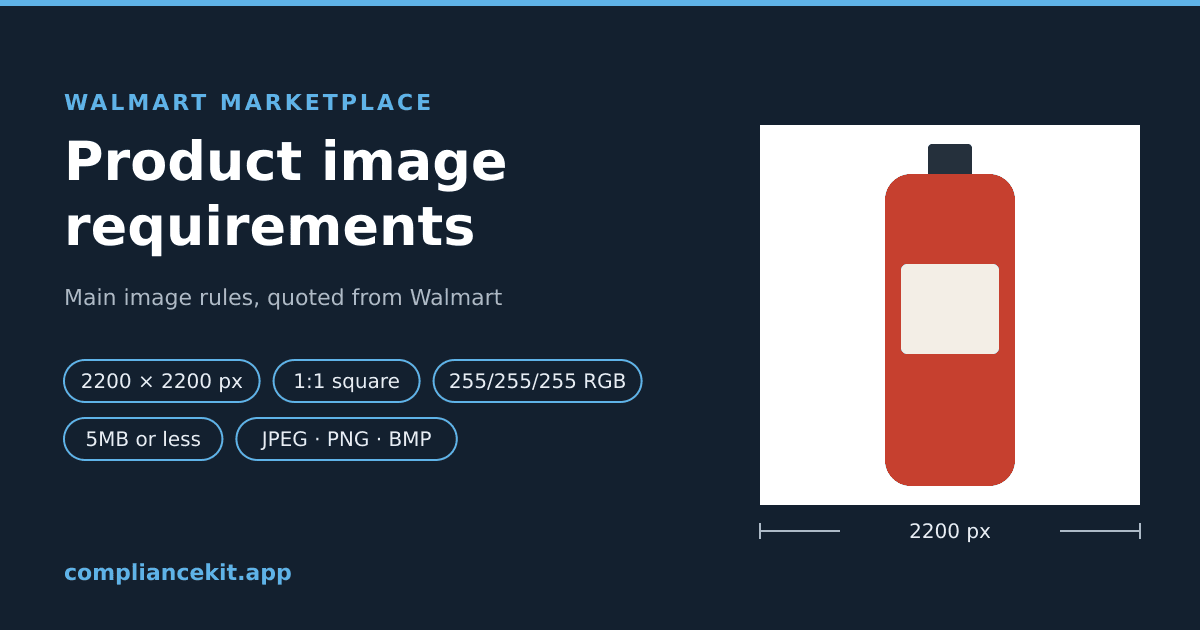
Walmart's own guide for Marketplace sellers lists these specifications for product images: 2200 x 2200 pixels, a 1:1 square, a seamless white background of 255/255/255 RGB, 5MB or less, and JPEG, JPG, PNG or BMP (Walmart: Product detail page: Image guidelines & requirements). The page opens: "As a Marketplace seller, you must comply with Walmart Marketplace's image guidelines and requirements."
| Rule | What Walmart's guide says | How Walmart frames it |
|---|---|---|
| Pixel dimensions | "Pixel Dimensions: 2200px x 2200px" | Listed under "File type requirements" |
| Zoom | "Minimum Pixel Dimensions for Zoom: 1500px x 1500px" | Listed under "File type requirements" |
| Shape | "Aspect Ratio: 1:1 (Square)" | Listed under "File type requirements" |
| Background | "Background: Seamless white (255/255/255 RGB)" | Listed under "File type requirements" |
| File size | "File Size: 5MB or less" | Listed under "File type requirements" |
| Format | "File Format: JPEG, JPG, PNG, BMP (GIF images aren't permitted)" | Listed under "File type requirements" |
| Colour | "Color Format: RGB" and "Bit Depth: 8 bits per pixel" | Listed under "File type requirements" |
| Framing | "Crop the item as close as possible to the image frame." | Guideline; no percentage stated |
| Main image content | "The main image shouldn't contain watermarks, your name or your logo." | "shouldn't" |
| Number of images | "we recommend that you upload a minimum of four images for each listing" | "recommend" |
Walmart states no fill percentage, and no upload minimum other than the 1500 x 1500 it gives for zoom. Where this guide says what ComplianceKit does, that is our tool's behaviour, not Walmart's rule.
This guide covers:
- Each rule, quoted from Walmart's page
- What Walmart says about the main image's content
- What the page does not say
- How to check an image, and how ComplianceKit fixes one for Walmart
Where These Rules Come From
Every rule and quotation here is from one page: Walmart Marketplace Learn's Product detail page: Image guidelines & requirements. It showed "Last updated on May 12, 2026" when we read it on October 3, 2026.
The page has two parts that matter for images. A list headed File type requirements gives the technical specifications. A table headed Additional guidelines gives the rest, mostly in "should" language. The page also notes: "These lists are not comprehensive for all product categories. Some categories have additional requirements."
Size: 2200 x 2200 Pixels
Walmart lists two pixel sizes for product images:
- "Pixel Dimensions: 2200px x 2200px"
- "Minimum Pixel Dimensions for Zoom: 1500px x 1500px"
The first is the size Walmart lists for an image. The second is the smallest it lists for zoom. The page does not say what happens to an image between the two, or below 1500 x 1500, and it gives no separate minimum for uploading.
Two more points from the same page:
- Start large. Walmart's guide says: "Don't resize smaller images to fill space, as this reduces image quality." Enlarging a 1000-pixel photo to 2200 adds pixels, not detail.
- Swatches are different. "Swatch Pixel Dimensions: 100px x 100px" applies to swatch images, the small colour or pattern samples. Walmart says: "Swatch images should be provided where applicable."
Shape: 1:1 Square
"Aspect Ratio: 1:1 (Square)". Width and height are equal, which 2200 x 2200 already is.
A product that is tall or wide does not change the canvas. Put the product on a square canvas with white space on the shorter sides, rather than stretching or cropping the product.
Background: Seamless White, 255/255/255 RGB
Walmart's requirements list gives an exact value: "Background: Seamless white (255/255/255 RGB)". That is the same pure white Amazon asks for: red, green and blue all at 255. A pixel at 254 is not 255.
The Additional guidelines put it as a "should", and add an exception:
"All images must be in focus and professionally lit. Main images should feature items on a seamless white background. Images of larger items may feature the item in an expected environment."
Walmart does not say which items count as larger, or what an expected environment is. If your product is not obviously large, a seamless white background is the reading that matches both parts of the page.
Why Looking White Is Not Enough
A background can look white on screen and still sit below 255, especially from a light box, a paper sweep or a JPEG export. Our white background study measured where those off-white pixels come from, and the white background requirements guide explains how to get to exactly 255. Both are written about Amazon, but the target value is the same one Walmart lists.
File Size: 5MB or Less
"File Size: 5MB or less". Check the size of the file you export, not the editing document: a PNG is usually larger than a JPEG of the same picture.
Format and Colour: JPEG, JPG, PNG or BMP, in RGB
Walmart's list:
- "File Format: JPEG, JPG, PNG, BMP (GIF images aren't permitted)"
- "Color Format: RGB"
- "Bit Depth: 8 bits per pixel"
So convert CMYK files, and anything saved as GIF, HEIC or WebP, before uploading. JPEG and JPG are the same format with two spellings of the extension.
JPEG compression changes pixel values next to sharp edges, which can leave near-white pixels around a product on a 255 background. PNG is lossless and does not. Our image format guide has the measurements; Walmart accepts both.
File Names
"File Name: We recommend that you use the 14-digit GTIN in the file name". That is a recommendation, not a requirement.
Framing: As Close as Possible
Walmart does not state a fill percentage. What it says is:
"Crop the item as close as possible to the image frame. Avoid excessive background space around the item. Don't resize smaller images to fill space, as this reduces image quality."
So the product should fill as much of the square as it can without being cut off, and without being enlarged from a small original. Amazon's rule, by contrast, states 85%; see the 85% fill guide if you also sell there. Walmart's page gives no number, so we don't give one either.
What the Main Image Can't Show
From Walmart's Additional guidelines:
- "The main image shouldn't contain watermarks, your name or your logo."
- "The main image can't show accessories that aren't included with the item, as it may confuse the customer. Avoid positioning too many props in the image."
- "The images shouldn't include any claims or promotional language about the item."
- "Images shouldn't include Walmart or other retailer/eCommerce platform logos or names."
- "Images shouldn't include languages other than English."
- "Using images indicating that a product is out of stock or sold out is prohibited."
- "There should be no image duplication on the item page."
And for every image: "All images should correspond with the product name and type." Walmart also says: "Images generated by artificial intelligence must be truthful, accurate and not misleading."
Placeholder Images
If you don't have product images yet, Walmart allows only its own designated placeholder, and says: "Your item won't be published until you've replaced the placeholder image with an actual product image."
Content Rules
Images must also follow Walmart's Prohibited Products Policy and its other policies. The page lists examples, including content that "displays explicit nudity or vulgar language".
How Many Images
"To ensure the best possible customer experience, we recommend that you upload a minimum of four images for each listing." Four is Walmart's recommendation. The page does not state a maximum.
What Walmart's Page Doesn't Say
So you don't go looking for a number that isn't there:
- No fill percentage. Only "as close as possible".
- No upload minimum other than the 1500 x 1500 it gives for zoom.
- No list of the "larger items" that may be shown in an expected environment.
- No statement of what happens to an image that misses one of the specifications, beyond "Walmart reserves the right to remove any images that violate Walmart policy."
The page's own FAQ lists questions such as "What happens if my images don't follow all requirements?", but the answers were collapsed in the copy we read, so we don't quote them.
How to Check a Walmart Image
By hand:
- Size and shape: open the file's information in any editor. Is it 2200 x 2200, and at least 1500 on both sides?
- File: is it JPEG, PNG or BMP, in RGB, and 5MB or less?
- Background: use an eyedropper on the background in several places, including right next to the product. Every reading should be 255, 255, 255.
- Content: no watermark, logo, your name, claims or promotional text.
With ComplianceKit: open the checker with Walmart selected and upload the image. No account is needed. It checks against the rules above, each quoted from Walmart's page:
- Background: every pixel outside the product must be exactly 255, 255, 255.
- Dimensions: at least 1500 pixels on both sides, and whether the image is exactly 2200 x 2200.
- Shape: width equal to height.
- File size: 5MB or less.
- Format: JPEG, PNG or BMP.
- Fill: it reports how much of the frame the product spans, but doesn't pass or fail it, because Walmart gives no number.
It does not check for text, logos or watermarks, or whether the image shows the product you are listing. Check those yourself.
How ComplianceKit Fixes an Image for Walmart
This is our tool's behaviour, not a Walmart rule. ComplianceKit's fix for Walmart cuts the product out, places it on a pure white (255, 255, 255) square, and frames it so its longest side spans 90% of the frame. It outputs a 2200 x 2200 PNG. If that PNG would be over 5MB, it steps the size down, never below 1500 x 1500. The first fix is free.
Check an image against Walmart's rules →
Summary
✅ Size: "Pixel Dimensions: 2200px x 2200px"
✅ Zoom: "Minimum Pixel Dimensions for Zoom: 1500px x 1500px"
✅ Shape: "Aspect Ratio: 1:1 (Square)"
✅ Background: "Seamless white (255/255/255 RGB)"; larger items "may" be shown in an expected environment
✅ File: "5MB or less", JPEG, JPG, PNG or BMP, RGB, 8 bits per pixel; no GIF
✅ Framing: "as close as possible to the image frame"; no percentage stated
✅ Main image: no watermarks, your name or your logo
✅ Images per listing: Walmart recommends at least four
Selling on TikTok Shop too? Its rules differ: see TikTok Shop product image requirements. For eBay and Etsy, which recommend more than they require, see eBay product image requirements and Etsy product image requirements.
Frequently asked
What size should a Walmart product image be?
Walmart's image guide lists Pixel Dimensions: 2200px x 2200px, and a separate Minimum Pixel Dimensions for Zoom: 1500px x 1500px. The aspect ratio it lists is 1:1, a square. Swatch images are a different size: 100px x 100px.
What background does Walmart require for the main image?
Walmart's guide lists Background: Seamless white (255/255/255 RGB). Its additional guidelines say main images should feature items on a seamless white background, and that images of larger items may feature the item in an expected environment.
What file formats does Walmart accept for product images?
JPEG, JPG, PNG and BMP. Walmart's guide says GIF images aren't permitted. The colour format it lists is RGB, with a bit depth of 8 bits per pixel.
What is the maximum file size for a Walmart product image?
Walmart's guide lists File Size: 5MB or less.
How much of the frame should the product fill on Walmart?
Walmart does not state a percentage. Its guide says to crop the item as close as possible to the image frame and to avoid excessive background space, and also not to resize smaller images to fill space, because that reduces image quality.
Can a Walmart main image have a logo or text on it?
Walmart says the main image shouldn't contain watermarks, your name or your logo, and that images shouldn't include claims or promotional language, Walmart or other retailer or eCommerce platform logos or names, or languages other than English.
How many images should a Walmart listing have?
Walmart recommends a minimum of four images for each listing. That is a recommendation in its guide, not a stated requirement.
Sources
David Hunter
Founder, ComplianceKit
David Hunter is a software developer who built ComplianceKit to check Amazon product images against the rules Amazon publishes — zoom thresholds, background purity, product fill. He writes about which of those specifications Amazon requires and which it only prefers, and why sellers rarely find out which is which.
Related articles
Need help checking your Amazon images?
First fix free without an account or email. A free account adds 3 lifetime fixes.